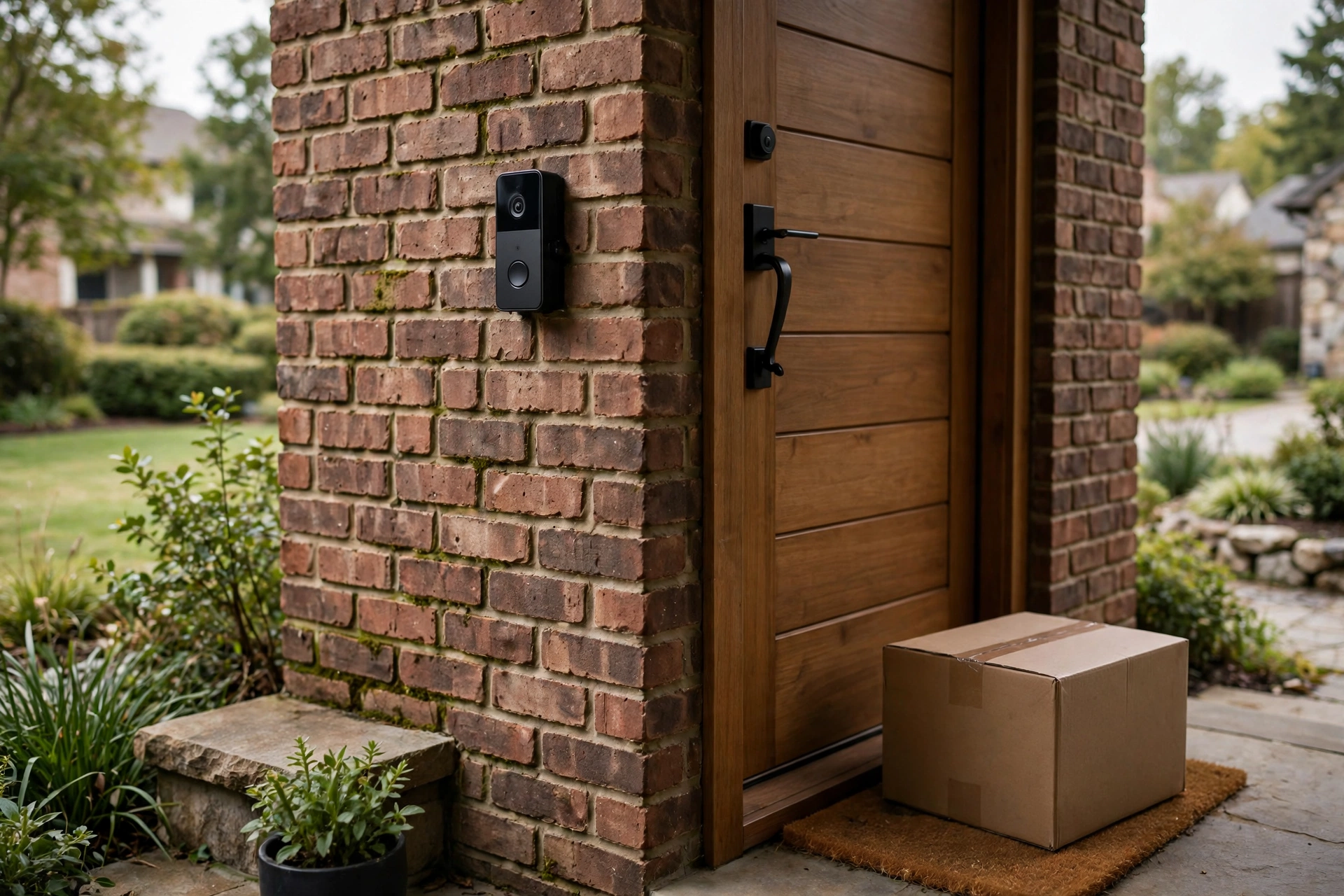
Video doorbell subscriptions add up fast. A $150 doorbell with a $5 monthly plan costs $330 over three years; at $8 or $9 a month, the subscription passes the hardware price in under two years. If you would rather pay once and be done, the best video doorbell without subscription is the one that stores footage locally or gives you a genuinely useful free tier. Here is what each option actually gives you, and what you give up by skipping the monthly fee.
Last updated: October 22, 2026.
What “no subscription” really means
There are two ways to avoid a monthly fee. The first is local storage: the doorbell (or its hub) records clips to built-in memory or a memory card, and you pay nothing, ever. Eufy and some Arlo configurations work this way. The second is a free cloud tier: the brand stores a limited amount of footage for free and charges for more. Arlo and Nest offer this; Ring effectively does not, since its free tier includes live view but no recording at all.
Before you pick, be honest about how you will use the footage. If you just want to answer the door from your phone and see who is there right now, a free tier or even live-view-only is fine. If you want to check who took a package three days ago, you need real video history, which means local storage or a paid plan.
Best overall without a subscription: Eufy Video Doorbell E340
The E340 ($179.99 on eufy.com) is the most complete no-fee doorbell you can buy. It records 2K video to 8 GB of on-device storage, runs person, package, and face detection locally, and works on battery or wired power. The dual-camera design aims a second lens at the doorstep for packages. There is no cloud plan to upsell you because there is no cloud recording; your clips stay in your house. The 8 GB fills up over time, but the doorbell overwrites the oldest clips automatically, and 8 GB holds weeks of typical event clips. The detachable battery pack means recharging does not require unmounting the unit.
Best hub-based local storage: Eufy S330 or S220
If you prefer a hub, the Eufy S330 ($259.99 with HomeBase included) and S220 ($199.99 with HomeBase included) store 16 GB of footage on the HomeBase 2 hub, which also acts as a loud indoor chime. Keeping recordings on an indoor hub is a quiet security advantage: even if someone rips the doorbell off the wall, your clips are safe inside. The S330 adds dual cameras and radar detection; the S220 is the simpler single-camera version. Both work with Alexa and Google for announcements.
Best free cloud tier: Arlo Essential Video Doorbell 2K
Arlo’s Essential Video Doorbell 2K (2nd gen) retails around $80 and is frequently discounted. Its free tier covers live streaming, motion alerts, and two-way talk, and current Arlo materials describe limited event history on the free plan as well, which makes it the most generous free offering among the big brands. If you want 30 to 60 days of cloud history plus AI detection (person, package, vehicle, animal), Arlo Secure starts at $7.99 a month billed annually for a single camera, or $9.99 month-to-month. The doorbell also supports local recording to a USB drive on an Arlo SmartHub if you want recordings without the cloud. For a buyer who wants cloud convenience with a genuinely usable free tier, Arlo is the pick.
Nest without Nest Aware: the 3-hour window
Google gives every Nest Doorbell three hours of event video history for free. That covers “who rang the bell this morning” but not “who took the package on Tuesday.” Everything beyond three hours, plus familiar-face alerts and 30-day history, sits behind Nest Aware at $8 a month. The free window is honest and useful for real-time door answering, but it is not a recording solution. If you choose Nest and refuse subscriptions, accept that you are buying a smart peephole, not a security camera.
Ring without Ring Home: live view only
Ring’s free tier is the thinnest: live video, motion and ring notifications, two-way talk, and Alexa announcements. No recording, no clip history, no snapshot capture, no smart alerts. As one October 2026 pricing breakdown put it, if a package is stolen and you were not watching live at that exact moment, you have nothing (hometechtested.com). Ring Home starts at $4.99 a month per device. Ring without a plan only makes sense if all you want is a remote peephole with Alexa announcements.
What you give up: side-by-side
| Doorbell | Monthly cost | Free history | Smart alerts without plan | Theft risk to footage |
|---|---|---|---|---|
| Eufy E340 | $0 | Weeks (8 GB local) | Yes, on-device | Footage goes with the doorbell |
| Eufy S330 / S220 | $0 | Weeks (16 GB on HomeBase) | Yes, on-device | Footage safe on indoor hub |
| Arlo Essential 2K | $0 | Live + limited events | Basic motion only | Cloud clips safe; local USB optional |
| Nest Doorbell | $0 | 3 hours of events | Basic detection | Cloud clips safe |
| Ring (any model) | $0 | None | None | Cloud clips safe (with plan) |
Is skipping the subscription worth it?
Do the five-year math. A Ring Battery Doorbell Plus at $150 with Ring Home runs about $450 over five years. A Eufy E340 costs $179.99 total, forever. That $270 gap buys a lot of doorbell. The real tradeoff is not money but features: cloud brands offer longer history, smarter search, and off-site backup that survives a stolen doorbell. Local storage keeps your footage private and your costs flat. For most single-doorbell households that just want to see visitors and catch package thieves, local storage is the better deal. For multi-camera homes that want a unified timeline, one shared cloud plan (Nest Aware at $8 for all cameras is the best value) can be worth it.
How much local storage do you actually need?
A typical 2K event clip of 20 to 30 seconds runs 8 to 15 MB depending on compression. At 20 events a day, that is roughly 200 to 300 MB daily, or 6 to 9 GB a month. Eufy’s 8 GB of on-device storage (E340) therefore holds about three to four weeks of normal activity before overwriting the oldest clips; the 16 GB HomeBase models (S330, S220) hold roughly two months.
For most households that is plenty. Package disputes and break-ins surface within days, not months, and overwriting is automatic and silent. Where local storage falls short is evidence you need months later (an insurance claim, a dispute with a contractor) and multi-camera households where four cameras share one hub. In those cases, either export important clips to your phone when they happen (every app supports this) or accept a cloud plan for the longer timeline.
One more consideration: local storage lives or dies with the hardware. A dead HomeBase or a stolen doorbell takes its clips with it unless you have exported them. Cloud storage survives the hardware. The practical answer for most no-subscription buyers: local storage for daily use, plus the habit of saving any clip that matters to your phone the day it happens.