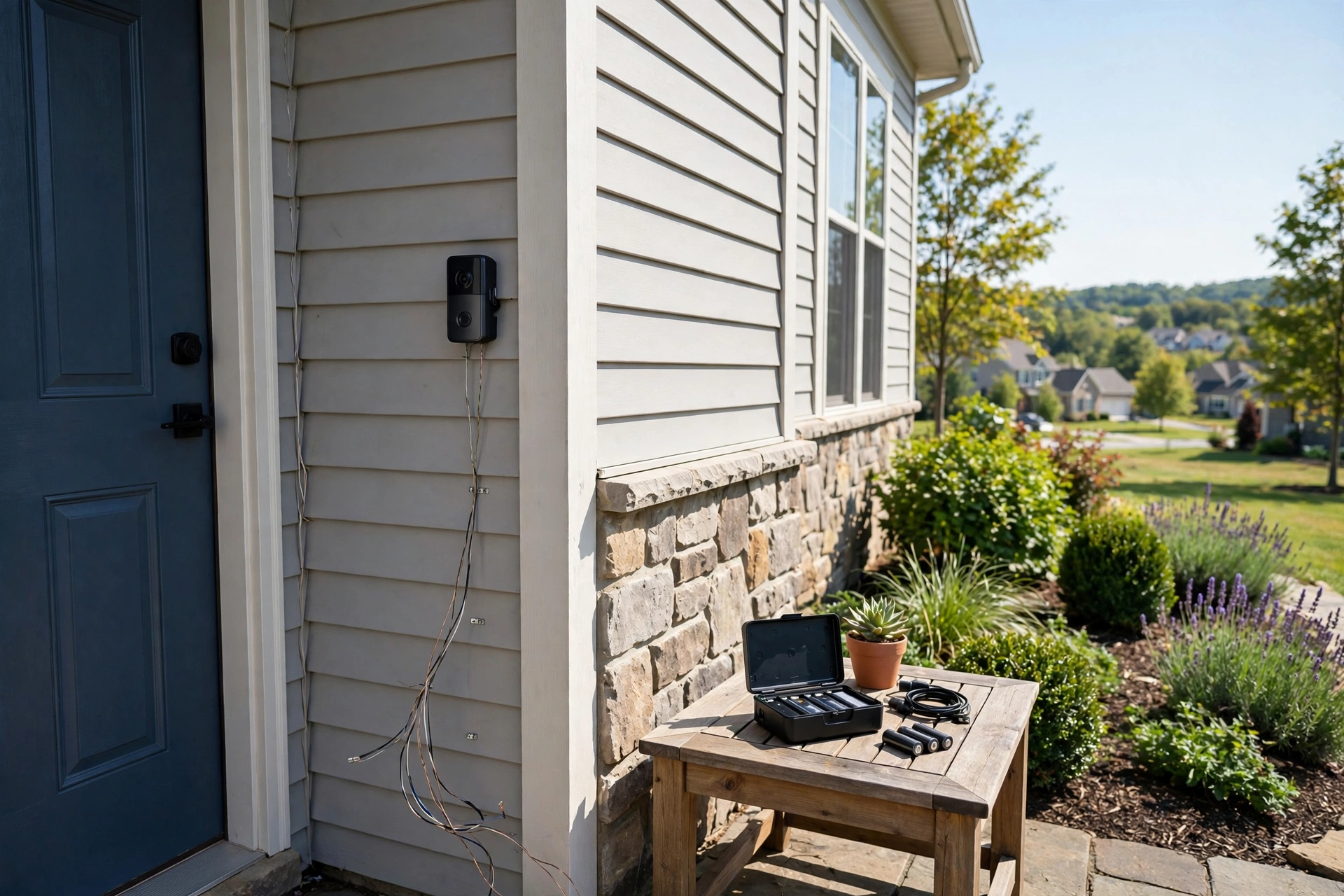
Wired vs battery is the first decision in every video doorbell purchase, and it is the one buyers most often get wrong. Pick battery when you should have wired, and you will spend winters swapping batteries in the cold. Pick wired when battery would do, and you will pay an electrician for a 20-minute job you could have skipped. Here is the honest tradeoff, including the trickle-charge trap that catches Nest buyers.
Last updated: October 22, 2026.
The short answer
Choose wired if you have existing doorbell wiring, live somewhere with freezing winters, or want continuous recording and zero maintenance. Choose battery if you rent, have no existing wiring, want the simplest install, or need the doorbell somewhere the wires do not reach (a gate, a side entrance, a garage).
Wired: the set-it-and-forget-it option
A wired doorbell draws power from your existing doorbell transformer (usually 16 volts) and runs indefinitely. No charging cycles, no battery anxiety, and on some models it unlocks features battery power cannot sustain: Ring’s Video Doorbell Pro 2 offers 24/7 continuous recording options and radar-based pre-roll only because it has unlimited power. Wired is also the cold-climate answer. Lithium batteries lose capacity in freezing temperatures and cannot charge below 32°F at all; a wired doorbell has no battery chemistry to fight.
The downsides are installation effort and placement limits. You need working doorbell wiring at the right voltage, a compatible chime, and comfort turning off a breaker and handling low-voltage wires. If your transformer is underrated (common in older homes wired for simple buzzers), a smart doorbell may reboot, buzz the chime, or refuse to power on until the transformer is upgraded. Hiring an electrician for a straightforward wired swap typically costs $100 to $250 in the US (per a 2026 installation cost roundup), more if the transformer needs relocating.
Battery: the flexible option
Battery doorbells install in about 15 minutes with a screwdriver (or no screws at all with an adhesive mount). That makes them the default for renters, for homes with no existing doorbell, and for odd placements like gates and detached garages. Modern battery doorbells last one to six months per charge depending on motion traffic, temperature, and settings, and most use removable packs so you can swap a fresh one in seconds.
The costs are maintenance and winter. Every few months you climb a ladder, pop the battery, and charge it indoors for a few hours. In freezing weather that interval shrinks, sometimes dramatically, because lithium-ion cells lose capacity in the cold and cannot recharge below freezing. Google’s support documentation confirms the Nest Doorbell (battery) cannot charge below 32°F (0°C) and may hold less than half its warm-weather capacity near its -4°F operating floor. Ring’s battery models drain faster in the cold too, though their quick-release packs make the swap painless if you keep a spare.
The trickle-charge trap
Here is the detail that catches buyers: wiring a battery doorbell does not always make it a wired doorbell. On the Nest Doorbell (battery), connecting it to existing doorbell wiring only trickle-charges the battery; the doorbell still runs off the battery. In freezing weather the trickle cannot keep up, the battery drains, and eventually the doorbell shuts down until you bring it inside to charge. Google documents this behavior explicitly. Ring battery models and the Eufy E340 handle wired power more conventionally, topping up the battery from the wires, but they still contain batteries with all the cold-weather weaknesses of batteries. If you want wiring to truly eliminate the battery, buy a wired-native model like the Ring Video Doorbell Pro 2 or the wired Nest Doorbell (2nd gen), which runs directly off the transformer.
Check your transformer in two minutes
Before buying a wired model, find your transformer. It is usually a small metal box mounted on or near your electrical panel, sometimes in a closet or garage, labeled with its voltage and VA rating. Most smart doorbells want 16V and at least 10VA; Ring recommends 16V 30VA for the Pro 2. If yours reads 10V or the chime hums, plan on a $20 transformer swap (a simple DIY job with the breaker off) or an electrician visit. Also check your chime: mechanical chimes (the classic ding-dong) work with most doorbells, sometimes needing an included power kit; digital chimes with custom melodies are pickier, so check the brand’s compatibility list before you buy.
Cost comparison
- Battery install: $0 DIY, 15 minutes. Ongoing cost: your time recharging, plus a spare battery pack (~$30) if you want swap-and-go convenience.
- Wired install (existing wiring, DIY): $0, 30 to 60 minutes.
- Wired install (electrician): $100 to $250 for a straightforward swap; add $20 to $50 in parts if the transformer needs upgrading.
Over five years, the wired route is usually cheaper even with an electrician visit, because it eliminates batteries, spare packs, and the subscription-independent hassle of charging.
Decision guide
| Your situation | Pick | Why |
|---|---|---|
| Renting or cannot drill | Battery | No wiring work, takes it with you when you move |
| No existing doorbell wiring | Battery | Running new wire costs far more than the doorbell |
| Freezing winters | Wired | Batteries drain fast and cannot charge below 32°F |
| Want 24/7 recording | Wired | Continuous recording needs continuous power |
| Gate or detached garage | Battery (+ solar charger) | No wires to run; solar trickle extends intervals |
| Existing 16V wiring, mild climate | Either | Battery is easier; wired is zero-maintenance |
Solar chargers: the battery extender
A small solar panel accessory (Ring sells one for around $50 to $60; third-party panels fit other brands) mounts near the doorbell and trickle-charges the battery during daylight. In a sunny spot it can stretch a three-month battery to six months or longer, and in ideal conditions some owners report rarely charging manually at all.
Three caveats. First, placement matters more than panel size: the panel needs several hours of direct sun daily. A north-facing porch under an overhang will not cut it. Second, solar does not beat physics in winter. Below freezing the battery cannot accept charge, so the panel’s output is wasted during the coldest weeks; it helps in spring, summer, and fall. Third, the panel adds a wire and a mounting point, which complicates the clean look and the renter-friendly story.
Worth it for: gates, detached garages, and sunny south-facing entries where running wire is impractical. Skip it for: shaded porches, cold climates where winter is the actual problem (a spare battery pack helps more), and rentals where the extra mount is another thing to remove. Treat solar as a battery-life extender, not a power solution.
Maintenance is minimal: wipe the panel a few times a year, since dust and pollen cut output noticeably, and check the cable connection each spring. If you go this route, buy the panel made for your doorbell brand rather than a generic USB solar charger; voltage mismatches cause slow charging or error states.
The bottom line on power
Most buyers overthink this choice. If you have working doorbell wiring, use it; wired doorbells cost less over time and eliminate every battery chore. If you do not have wiring, do not let that stop you; a battery doorbell on a south-facing porch with a solar panel comes close to the wired experience for most of the year. The only truly wrong answer is a battery doorbell in a freezing climate with no plan for winter charging. Decide based on your wiring, your winter, and your tolerance for climbing a ladder twice a year.