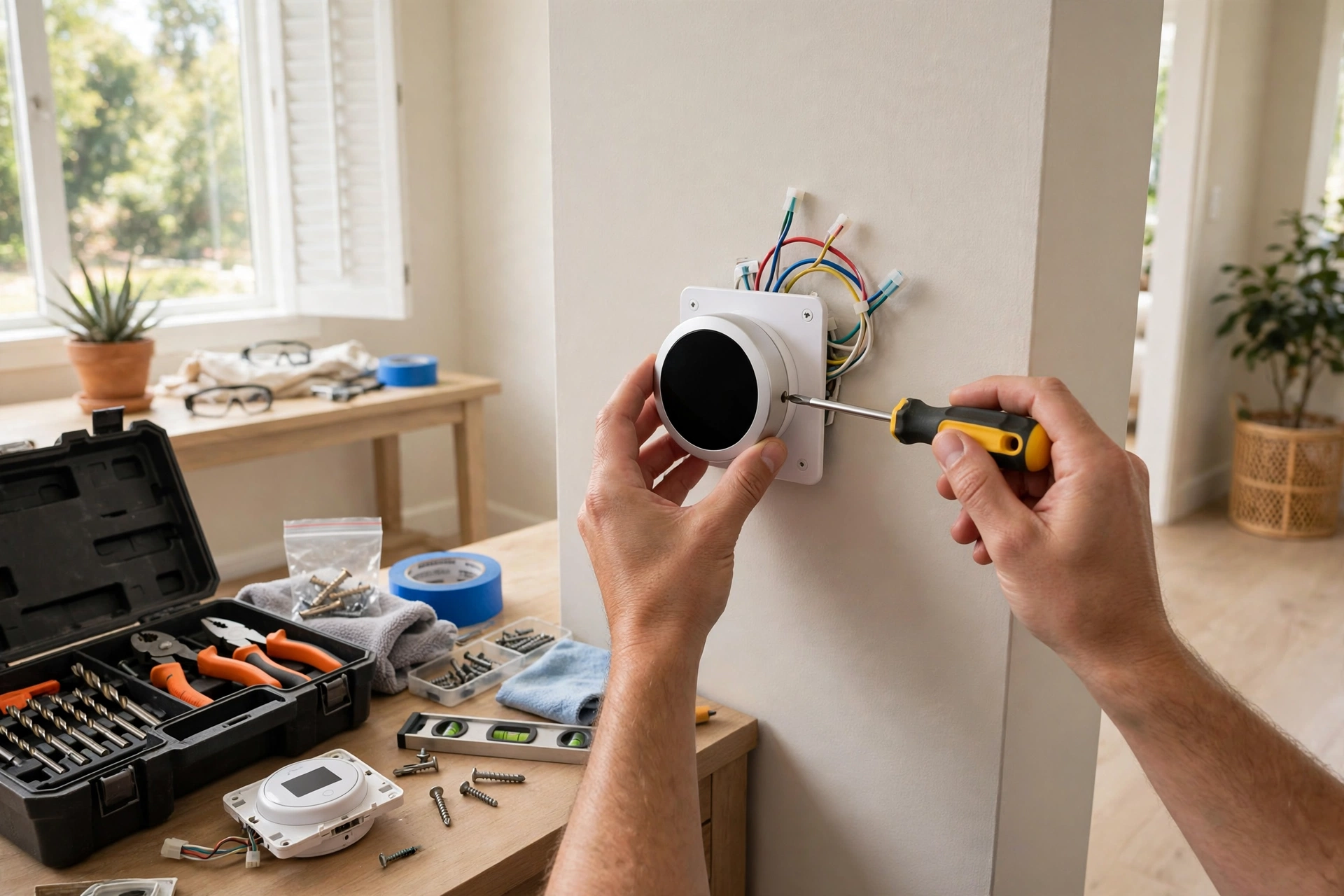
This smart thermostat installation guide assumes you have never touched HVAC wiring. Good. Cautious first-timers do better work than confident ones. For a standard low-voltage system, the job takes 30 to 45 minutes, needs nothing fancier than a screwdriver, and follows the same five steps regardless of brand. If your system is line voltage, millivolt, or proprietary, stop here and read a compatibility guide first. This walkthrough is for the common case: a furnace, heat pump, or central AC with thin low-voltage wires.
What you need before you start
- The new thermostat, obviously, with everything in the box (base plate, screws, wire labels, trim plate).
- A small Phillips and flathead screwdriver. A dedicated electronics set is nice; a kitchen drawer set works.
- Your phone, for photos and for the manufacturer’s app.
- Masking tape and a pen, as backup wire labels.
- A step stool if the thermostat sits above comfortable reach.
- Possibly a drill, if the new screw holes do not line up with the old ones. Often they do.
Safety first, and it is non-negotiable
Thermostat wiring is low voltage, typically 24 volts, which will not hurt you the way mains current can. That is not permission to be casual. Turn off power to your HVAC system at the breaker before you touch a wire. If the breaker is not clearly labeled, have someone watch the furnace while you flip candidates, or test by setting the thermostat to run and confirming the system goes silent. Renters: confirm with your landlord that a thermostat swap is allowed, and keep the original unit to reinstall later. When in doubt at any point, stop and call a pro. A service call costs less than a fried control board.
Step 1: Document the old wiring
Remove the old thermostat’s faceplate and photograph the wire terminals from two angles, close enough to read the terminal letters. Then label every wire with the letter of the terminal it connects to, using the labels from your new thermostat’s box or masking tape. Label one wire at a time as you go. This photo-and-label pair is your insurance policy: if anything goes sideways, you can always put the old thermostat back exactly as it was.
Step 2: Remove the old base
Disconnect the wires from the terminals. If they are held by screws, loosen and free them; if they push into release tabs, press and pull gently. Unscrew the old base from the wall. Keep the old unit, screws, and wall anchors together in a bag. Note any large holes or unpainted patches the old base was hiding; the trim plate in your new box exists precisely to cover these.
Step 3: Mount and wire the new base
Thread the wires through the new base plate, hold it level against the wall (phone level apps work), and mark your screw holes. Screw the base in snugly but not gorilla-tight; overtightening can crack the plastic. Now connect each wire to the terminal with the matching letter from your labels. Push each wire in firmly until it seats, and give a gentle tug to confirm. Tuck excess wire back into the wall cavity so no bare copper strands can touch each other or the wall. Double-check every letter against your photo before moving on.
Step 4: Attach the thermostat, restore power, connect Wi-Fi
Click or screw the thermostat onto its base, then turn the breaker back on. The screen should light up within a minute. Follow the on-screen or app-guided setup: language, Wi-Fi network and password, then system type. Answer the equipment questions carefully, especially the heat pump reversing valve question if you have a heat pump. The thermostat will usually download a firmware update at this point. Let it finish.
Step 5: Test every mode
Do not declare victory at the home screen. Run each mode for a few minutes and confirm air actually comes out of the vents:
- Heat: set the target several degrees above room temperature and listen for the furnace or heat pump.
- Cool: set it several degrees below room temperature and feel for cold air.
- Fan only: confirm the blower runs without heating or cooling.
Heat pumps take a few minutes to produce noticeable change, so be patient before judging. If a mode does nothing, the wiring or the equipment-type setting is the suspect, not the thermostat itself.
Troubleshooting the three most common snags
The thermostat has no power
First check the breaker you turned off, then confirm the wire connections are seated. If your system has no C-wire and the thermostat keeps dying, this is the classic symptom: the unit cannot harvest enough power. The fix is a C-wire adapter kit at the furnace (your thermostat’s maker sells one) or an unused wire repurposed as a C-wire. Both are covered in the manufacturer’s advanced install guides.
It heats when you asked for cooling
Almost always a heat pump reversing valve setting. Go into the equipment settings and flip the O/B configuration. One toggle, problem solved. This is the single most common “my install failed” report, and it is a software setting, not a wiring mistake.
Wi-Fi will not stay connected
Move through the usual suspects: thermostat too far from the router, a router that steers devices to a congested band, or the power issue above (a starving thermostat drops Wi-Fi first). A strong, stable 2.4 GHz signal near the thermostat fixes most cases.
The first week: let it settle before you judge it
New owners almost always tinker too much in the first days. Give the thermostat a full week before deciding anything is wrong. Learning models need several days of your comings and goings to build a useful program, and your own sense of the new interface needs time too. During that week, do three things. First, check the energy history or runtime reports in the app after a few days; you will see exactly when the system runs, which often reveals surprises like the heat kicking on at 4 a.m. for no reason you intended. Second, walk the house during a heating or cooling cycle and note which rooms lag; that tells you whether a remote sensor would help or the schedule just needs a tweak. Third, resist creating six schedules on day one. Start with one program for weekdays and one for weekends, live with it, and refine. A thermostat you understand beats a thermostat you over-configured.
When to call an HVAC pro instead
- You found thick wires or voltage labels like 120V or 240V. That is line voltage, not a DIY thermostat swap.
- There is no labeled breaker and you cannot confidently kill power to the system.
- The terminal labels are numbers or letters like A, B, C instead of R, W, Y, G, which suggests a proprietary system.
- The furnace-side adapter installation feels beyond you. Honest self-assessment beats a service call to fix a DIY mistake, but a planned pro install beats both.
- Anything smells like burning or looks scorched. Stop immediately and call someone qualified.
Done right, a first install is genuinely satisfying: an hour of careful work, and your home’s climate runs itself from your phone. Keep the old thermostat and your wiring photos somewhere safe. Future you, troubleshooting at 10 p.m. in January, will be grateful.